By GrowsChat Team · August 11, 2026
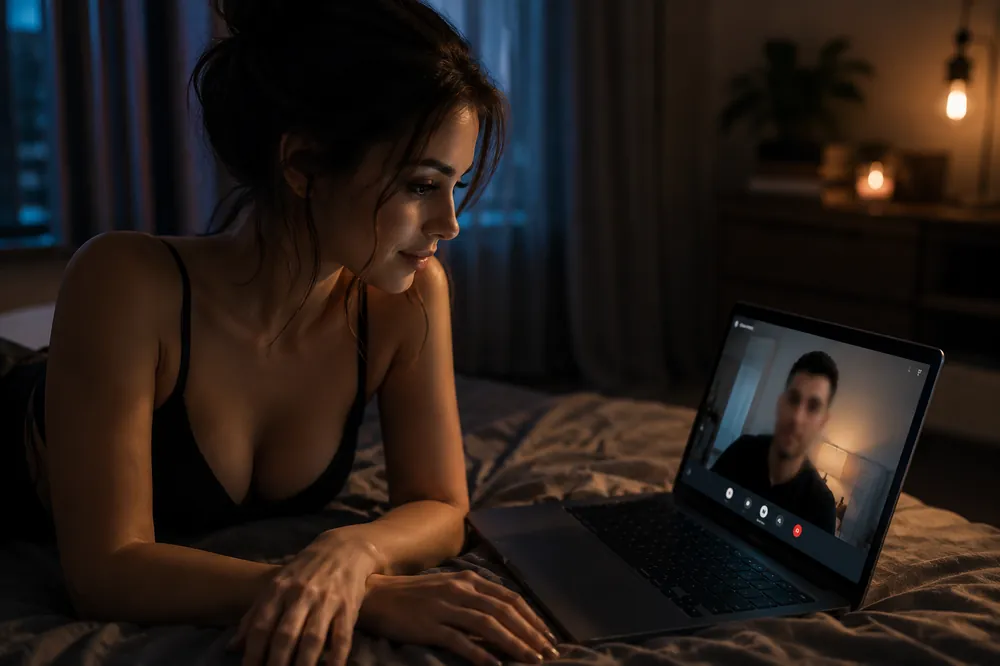
Video chat is one of the best ways to build genuine connections online.
Seeing someone's facial expressions, hearing their voice, and having a real-time conversation often makes interactions feel more natural than text alone.
But just like any online activity, it's worth taking a few simple precautions before turning on your camera.
The good news is that staying safe doesn't require complicated technology or constant worry. A handful of smart habits can help you enjoy video conversations while protecting your privacy.
Here's a practical checklist to keep in mind.
Before joining a video call, take a quick look around.
Ask yourself what other people will be able to see behind you.
A camera can unintentionally reveal:
A clean, neutral background keeps the focus on the conversation instead of your surroundings.
Video chat should always be your choice.
If someone insists that you enable your camera before you're comfortable, it's perfectly okay to decline.
Many great conversations begin with text or voice before moving to video.
On GrowsChat, you can choose the communication style that feels right for you. You can start with text, switch to voice when you're comfortable, or move to video whenever both people are ready. The choice is always yours.
Even during a video call, avoid revealing information that isn't necessary.
For example, be careful about sharing:
Sometimes personal information isn't spoken—it simply appears somewhere in the background.
Taking a quick look around before a call can prevent accidental oversharing.
For more general advice, our guide on what you should never share online covers common privacy mistakes.
If you're talking with someone you've only recently met, spend some time getting to know them before sharing additional contact information or moving conversations to other platforms.
There's no need to rush.
Trust develops through consistent, respectful conversations—not through a single video call.
Many video platforms allow conversations to be recorded.
Unless you know exactly how a platform works, it's safest to assume that anything visible or audible during a call could potentially be saved.
That doesn't mean you should avoid video chat.
It simply means avoiding sharing information that you'd be uncomfortable having recorded.
If something feels uncomfortable, pay attention to that feeling.
Some common warning signs include:
You never owe someone continued access to your time.
Ending a conversation is always an acceptable choice.
If you're chatting with someone new, our guide on common online chat scams explains a few situations worth watching for.
Video chat apps regularly release updates that improve both performance and security.
Keeping your browser, operating system, and communication apps updated helps protect you from known security issues while ensuring the best possible experience.
Automatic updates make this easy to maintain.
Some people worry that protecting their privacy means they'll seem unfriendly.
In reality, healthy conversations respect boundaries.
You can enjoy meaningful discussions, laugh together, and build genuine friendships without immediately sharing every detail about your personal life.
Good conversations grow naturally as trust develops.
Video calls shouldn't feel like a test.
They should feel like conversations.
Whether you're meeting someone for the first time, practicing a language, or catching up with a friend, feeling comfortable is more important than trying to impress anyone.
The best conversations happen when both people respect each other's boundaries and communicate openly.
If you're ready to meet someone new, you can start chatting on GrowsChat Chat and choose text, voice, or video whenever it feels right for you.
Is video chat safe?
Yes, provided you follow basic online safety practices like protecting your personal information, keeping your surroundings private, and ending conversations that make you uncomfortable.
Should I turn on my camera right away?
Only if you're comfortable doing so. There's no obligation to use video immediately, and many conversations begin with text or voice first.
What shouldn't I show during a video call?
Avoid displaying personal documents, your home address, financial information, or anything else that could identify you or compromise your privacy.
Can I leave a video chat if I feel uncomfortable?
Absolutely. You never have to continue a conversation that feels unsafe, disrespectful, or overly intrusive.
How can I make video chats safer?
Choose a private environment, avoid sharing sensitive information, keep your software updated, and trust your instincts if something doesn't feel right.
Video chat can make online conversations feel more personal, engaging, and memorable. A few simple precautions—like protecting your surroundings, respecting your own boundaries, and avoiding unnecessary personal disclosures—can make the experience both safer and more enjoyable.
The goal isn't to be suspicious of everyone you meet. It's to have meaningful conversations while staying in control of your privacy. When you're ready, start your next conversation on GrowsChat Chat and connect in the way that feels most comfortable to you.